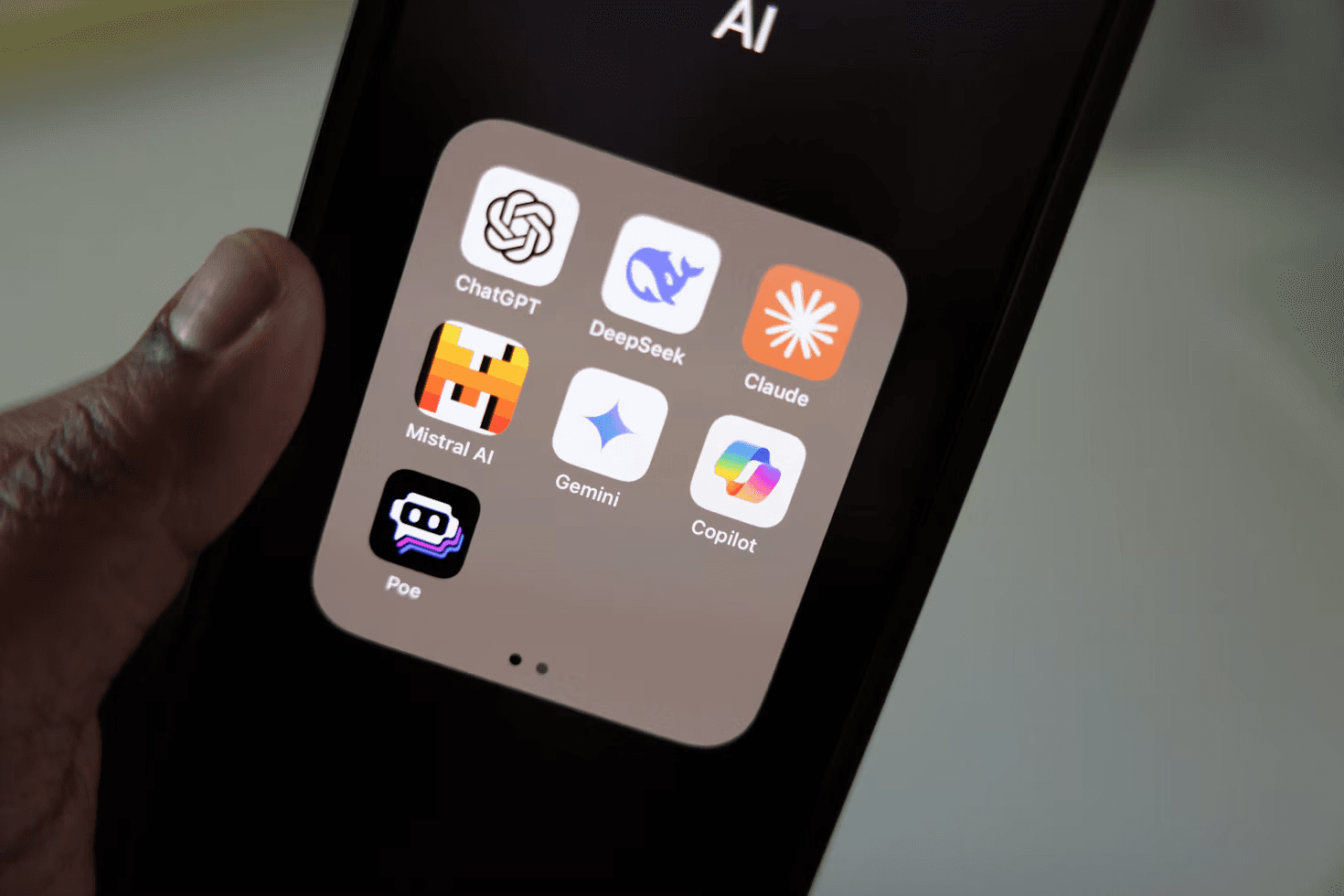
Why AI-Generated Websites Look the Same — And How to Fix It
Why so many AI-generated websites look alike, how generic design hurts your brand, and practical ways to create a more distinctive, user-focused website.
Artificial intelligence has made website creation faster and more accessible. Businesses can now generate landing page layouts, write website copy, create visual concepts, and produce interface designs with a few prompts.
But there is a growing problem: many AI-generated websites look remarkably similar.
The same oversized hero headings, familiar gradient backgrounds, floating cards, rounded containers, predictable feature grids, and generic illustrations appear across products in completely different industries. A fintech startup, an AI SaaS company, and a productivity platform can end up with websites that look as if they came from the same template.
AI can accelerate the design process, but generating a visually polished page is not the same as creating a distinctive digital experience.
Gunpowder Innovations helps businesses create digital products through UI/UX design, product development, and software engineering. By combining purposeful design decisions with an understanding of the brand, audience, and product, businesses can move beyond generic AI-generated layouts and build websites that communicate what makes them different.
Why Do AI-Generated Websites Look the Same?
AI-generated websites often share common visual patterns because of the way prompts, design references, reusable components, and automated generation workflows influence the final result.
AI tools can be useful for exploring ideas, but without specific direction, they may produce familiar solutions instead of distinctive ones.
1. Generic prompts produce generic designs
A prompt such as "Create a modern SaaS landing page with a premium look" leaves many important decisions unanswered.
What makes the company different? Who is the intended audience? What should visitors understand first? What emotion should the brand communicate? What should users do after visiting the page?
Without answers, the AI has little reason to produce a design tailored to that business.
The result often follows familiar conventions: a large headline, a gradient background, a dashboard mockup, three feature cards, testimonials, and a call-to-action button.
The solution: Start with product positioning, audience research, brand personality, and conversion goals before generating layouts. The more clearly a design brief defines the problem, the more useful the resulting concepts can become.
2. AI relies on familiar design patterns
AI systems learn patterns from their training data and the examples available to them. When asked for a modern website, they may draw on widely used visual conventions.
These patterns are not automatically bad. Navigation bars, card layouts, familiar buttons, and consistent spacing can make a website easier to use.
The problem begins when familiar patterns become the entire design strategy.
A brand should not need to abandon usability to look different. It needs to make intentional choices about typography, layout, imagery, content hierarchy, interactions, and visual identity.
3. Popular design trends become repetitive
Certain visual styles become popular across SaaS and technology websites. Examples include oversized typography, dark backgrounds, neon accents, gradient glows, floating interface cards, and abstract 3D graphics.
AI tools can reproduce these styles quickly, which makes them even easier to repeat.
Following a trend can make a website feel contemporary, but copying the same combination of trends can make different brands feel interchangeable.
The solution: Choose visual patterns because they support the brand and product—not simply because they are fashionable.
4. Templates limit visual differentiation
Many website builders, UI kits, and AI-assisted development workflows rely on reusable templates and components.
Templates can be an excellent starting point. They help establish consistency and reduce implementation effort.
However, if the same structure is used with only a different logo, headline, and accent color, the website may lack a recognizable identity.
A stronger approach is to use reusable components as a foundation while customizing the overall composition, information hierarchy, visual direction, and key interactions.
5. Design is treated as a prompt instead of a process
A single prompt cannot reliably replace the decisions involved in product and interface design.
Good design requires understanding the audience, identifying user needs, organizing information, exploring alternatives, testing assumptions, and refining the result.
Generating a page is only one step. It does not automatically establish whether the page communicates the product clearly, supports the user's journey, or makes the business memorable.
This is why human judgment remains important even when AI tools are part of the workflow.
Why Generic AI Website Design Can Hurt Your Brand
A website is often one of the first places potential customers encounter a business. Its visual presentation and content influence how visitors understand the company and whether they want to explore further.
A generic design can create several challenges.
Your business becomes harder to distinguish
If your website uses the same layouts, imagery, and messaging as many other businesses, visitors may struggle to identify what makes your offering different.
This matters especially for startups and SaaS businesses that need to explain a new product or establish a recognizable market position.
Your product value becomes less clear
A visually attractive website can still communicate very little.
Generic headlines such as "Transform your business with AI" or "The future of productivity starts here" do not explain what the product does, who it helps, or why it matters.
Clear positioning and specific content help visitors understand the product faster.
The design may not match your audience
A playful interface might work for one consumer product but feel inappropriate for an enterprise financial platform. A complex animated hero may distract from the core message of a practical business application.
Design choices should reflect the audience, context, and level of trust required.
Visual polish can hide usability problems
A website may look impressive in a screenshot while making important information difficult to find.
Unclear navigation, weak content hierarchy, poor mobile layouts, and confusing calls to action can reduce usability even when the visual style appears modern.
UI/UX design considers both how a product looks and how people use it.
Your brand may become dependent on trends
A website built entirely around a temporary visual trend can quickly feel dated. A more deliberate design system creates a foundation that can evolve without losing the brand's identity.
The objective is not to avoid trends completely. It is to ensure that the website remains recognizable even as visual conventions change.
How to Make an AI-Generated Website Look Original
AI can still be part of an effective website design process. The key is to use it for exploration and acceleration while making important decisions based on the business and its users.
1. Begin with a clear brand strategy
Before designing the homepage, define the brand's position in the market.
Consider:
- Who is the primary audience?
- What problem does the business solve?
- What makes the offering meaningfully different?
- What should visitors remember after viewing the website?
- What level of trust or emotion should the brand communicate?
These answers should influence the content, visual direction, and overall experience.
Without this foundation, even a technically impressive design can feel generic.
2. Develop a distinctive visual direction
A recognizable website uses a coherent set of visual decisions rather than simply combining popular effects.
Important elements include typography, color, spacing, imagery, composition, iconography, motion, and the use of empty space.
For example, a financial technology product might benefit from a restrained, information-focused interface, while a creative platform might use more expressive typography and experimental layouts.
Neither approach is universally better. The right choice depends on the brand and the users it serves.
3. Design around the product, not a template
A website should communicate the actual product experience.
If the business sells a workflow platform, show the workflow. If it offers a specialized financial service, explain the relevant process and demonstrate how the product helps users. If it provides a technical solution, make the architecture or capabilities understandable to the intended audience.
Use product-specific content, real interface details where available, and relevant visuals instead of generic dashboard mockups that could represent any application.
4. Create a meaningful content hierarchy
A landing page should answer the visitor's most important questions in a logical order.
A useful structure may include:
- A clear explanation of what the business offers.
- The audience or problem it serves.
- The product or service's main benefits.
- Evidence that supports the claims being made.
- An explanation of how the offering works.
- Answers to important objections or questions.
- A relevant next step.
This structure should be adapted to the actual product. Every website does not need the same sequence or number of sections.
5. Use AI to explore alternatives
AI can help generate initial concepts, suggest headline variations, explore visual directions, and produce draft layouts.
Instead of asking for one finished design, use it to explore several approaches with different goals.
For example, one concept could emphasize product functionality, another could focus on a customer problem, and a third could communicate the brand through a more editorial visual style.
Review these options against the product requirements and refine the strongest direction. Do not select a design simply because it looks impressive in isolation.
6. Refine the details
Originality often comes from the combined effect of many small decisions.
Typography scale, line length, spacing, component proportions, illustration style, image selection, hover states, and mobile behavior can all influence the quality of the final experience.
These details should work together as a coherent design system rather than appearing as unrelated decorative elements.
7. Test the website with real users
A design should be evaluated by whether it helps the intended audience understand the product and complete the desired action.
Depending on the project, testing may include:
- Asking users to explain what the product does.
- Observing whether they can find important information.
- Testing the primary call to action.
- Checking mobile navigation and readability.
- Reviewing accessibility and interaction states.
- Measuring relevant conversion or engagement behavior after launch.
Testing provides a basis for refinement that visual preference alone cannot provide.
AI Website Design vs. Professional UI/UX Design
AI-generated design and professional UI/UX design do not need to be competing approaches. AI can support parts of the process, while product and design expertise helps determine what should be created and why.
| Area | AI-generated design alone | A product-focused design process |
|---|---|---|
| Initial concepts | Can generate ideas quickly | Uses concepts to explore defined business goals |
| Brand identity | May default to familiar patterns | Develops a visual direction around brand positioning |
| User needs | Depends on the information provided | Considers research, context, and user journeys |
| Content hierarchy | May follow a conventional template | Prioritizes the questions users need answered |
| Usability | Requires validation | Includes deliberate usability consideration and testing |
| Differentiation | Can reproduce familiar styles | Makes intentional choices to distinguish the experience |
| Iteration | Can regenerate layouts and content | Refines decisions using feedback and project requirements |
AI can be a valuable part of either approach. The difference is whether the output is treated as a finished answer or as material to be evaluated, adapted, and improved.
How Gunpowder Innovations Helps Businesses Move Beyond Generic Design
Creating a distinctive digital experience requires more than changing a color palette or adding a new animation. It requires understanding the product, defining its visual direction, and designing an experience that makes sense for its audience.
Gunpowder Innovations supports businesses with UI/UX design, digital product development, custom software development, and full-stack engineering.
UI/UX design based on real product requirements
The design process should begin with the product's purpose, target users, and key workflows.
This helps determine what the interface needs to communicate, how information should be organized, and which interactions matter most.
Visual direction that supports brand identity
Typography, color, imagery, layout, and component styling should reinforce a coherent brand rather than simply follow the latest design trend.
A distinctive visual direction helps make the website feel connected to the business it represents.
Landing pages designed around clarity and conversion
A landing page should make the product's value understandable and help visitors decide what to do next.
Gunpowder Innovations can help businesses structure landing pages around relevant messaging, product visuals, information hierarchy, and calls to action instead of relying on generic section templates.
Product design that connects to development
A website or application needs to work beyond the design file. Responsive behavior, interactions, component systems, and technical requirements should be considered as the product moves toward implementation.
Gunpowder Innovations combines design and software development capabilities to support businesses creating and improving digital products.
AI-assisted workflows with human judgment
AI can help accelerate concept exploration and repetitive design tasks. The important part is evaluating the output, adapting it to the product, and refining it to meet the intended requirements.
The goal is not to reject AI-generated design. It is to make sure AI supports a deliberate design process rather than replacing it.
If your website looks like every other AI-generated landing page, Gunpowder Innovations can help you rethink the visual direction, improve the user experience, and build a digital presence that better reflects your product and brand.
What Makes a Website Truly Different?
A website does not need unusual effects or unconventional layouts to stand out.
A business can create a distinctive experience by explaining its offering more clearly, presenting real product functionality, organizing information around customer needs, and using a consistent visual identity.
The strongest differentiation often comes from the combination of:
- A specific and credible value proposition.
- A clear understanding of the target audience.
- Product-relevant imagery and interface examples.
- A coherent visual identity.
- Useful, original website content.
- Thoughtful interactions and responsive design.
- Evidence that supports the business's claims.
These elements are difficult to achieve through decoration alone because they depend on understanding the business and the people it serves.
Create a More Distinctive Digital Experience With Gunpowder Innovations
AI has made it easier to generate website concepts, but generating a page and designing an effective digital experience are different tasks.
A strong website communicates what makes a business valuable, helps its audience understand the offering, and provides an experience that feels appropriate to the brand. AI can help accelerate the work, but the design still needs a clear purpose and thoughtful execution.
Gunpowder Innovations helps businesses approach UI/UX design and digital product development with a focus on brand identity, usability, and product requirements.
If you are planning a new website, redesigning a generic AI-generated landing page, or building a digital product that needs a more distinctive user experience, contact Gunpowder Innovations to discuss your design goals and development requirements.
Frequently asked questions
Why do AI-generated websites look similar?
AI tools can reproduce familiar visual patterns, especially when prompts are broad or rely on popular design trends. Repeated templates, similar components, and generic content can make different websites feel alike.
Can AI create a unique website design?
Yes, AI can help explore distinctive concepts when it receives a clear brief and relevant context. However, the output still needs evaluation and refinement to ensure that it reflects the brand, serves users, and meets the product's requirements.
Is AI-generated web design bad for businesses?
Not necessarily. AI can accelerate ideation and certain production tasks. Problems arise when generated layouts are accepted without considering brand positioning, usability, content quality, or differentiation.
How can I make my AI-generated landing page stand out?
Start with specific brand positioning, use product-relevant visuals, develop a clear content hierarchy, customize the visual direction, and test the experience with users. Avoid relying entirely on generic prompts and templates.
Why hire a UI/UX designer if AI can generate designs?
AI can produce layouts, but product design also involves understanding user needs, defining workflows, evaluating trade-offs, and refining interactions. A UI/UX designer can use AI as part of the process while applying judgment to the complete experience.
Can Gunpowder Innovations redesign an existing website?
Gunpowder Innovations offers UI/UX design and digital product development capabilities that can support website and product design improvements. The scope of a redesign depends on the existing website, business objectives, and technical requirements.
- AI-Generated Websites
- AI Website Design
- Generic Website Design
- UI/UX Design
- Landing Page Design
- Brand Identity
- Website Redesign